 To-do Helpers
Create Forms for Basecamp To-Do Lists and Card Tables
Build and share forms that submit directly to Basecamp. Collect responses, control access, and correspond with submitters — without any manual copying.

Create forms for Basecamp
Build and share forms that submit directly to a Basecamp list or card table

Control access to forms
Restrict forms to your company or share them publicly

Correspond right from Basecamp
Reply to the form submitter from Basecamp, and see their responses right in Basecamp

One price for your whole team
After the trial, subscribe for $19/mo or $179/year. One subscription covers everyone in your Basecamp organization, and includes unlimited forms.
How it works
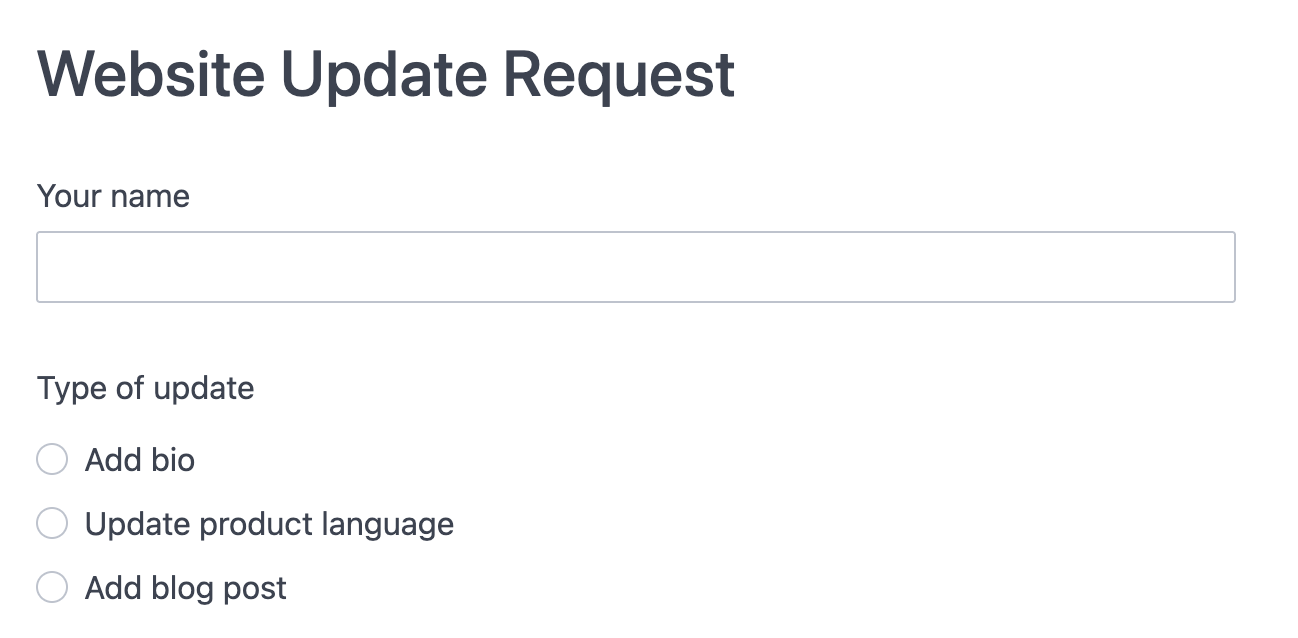
Publish
Create a form and choose who can access it, public or limited to your organization
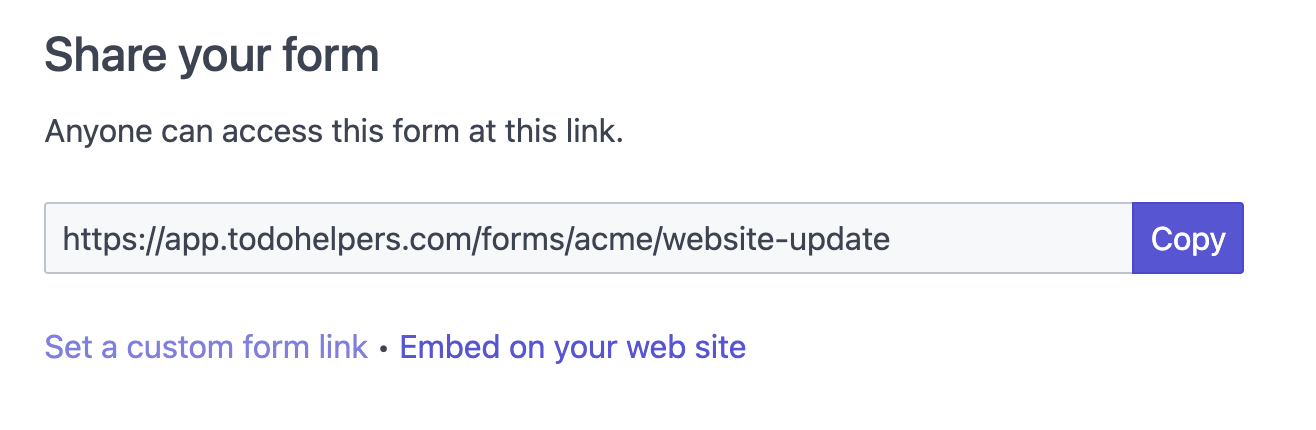
Share
Share your form link with anyone who needs to submit
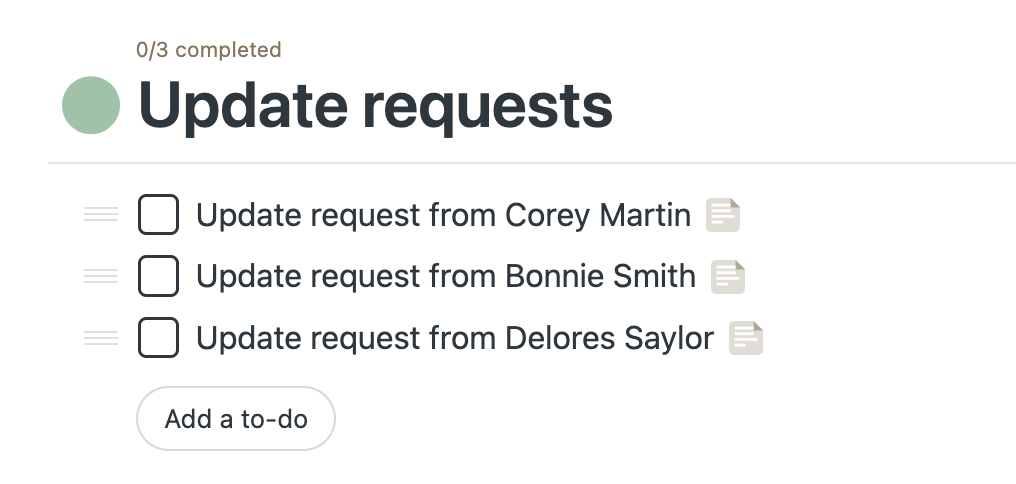
Collect
Responses go directly to a Basecamp to-do list or card table
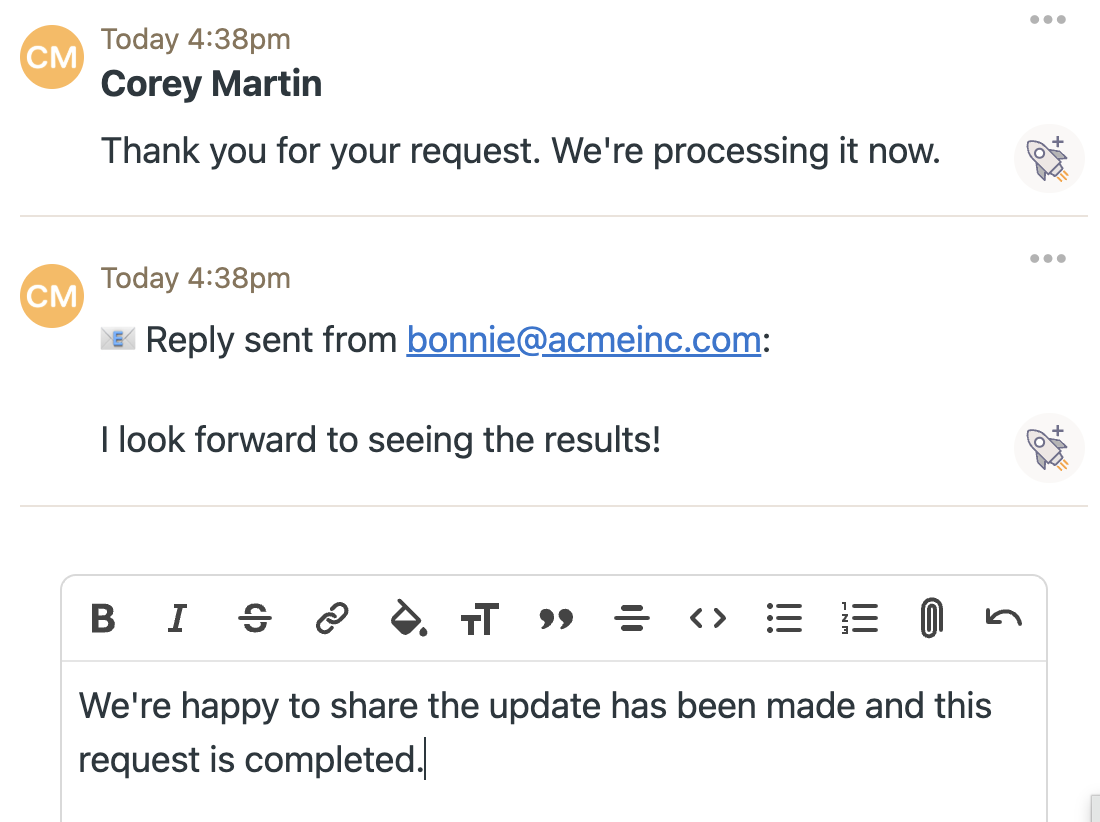
Discuss
Reply to submitters from Basecamp. They respond by email, and it all shows up in Basecamp.
Simple pricing
or $179/year — equivalent to $14.92/month
✓ Covers everyone in your Basecamp organization
✓ Unlimited forms included
✓ 14-day free trial included
✓ No credit card required to start
"To-do Helpers has become absolutely central to how we work with our clients. To-do Helpers gives our clients a secure, simple and very fast way to send us work and information. The integration with Basecamp is seamless, so it fits straight into our existing processes without adding friction or extra admin. We have tried a number of different Basecamp integrations over the years, and To-do Helpers is genuinely one of the very best."